Jump to content
No-heat calls answered day and nightMy account

HVAC Answering Service for Busy Heating and Cooling Shops

Our HVAC answering service answers forwarded calls, books appointments and routes urgent calls by your shop's rules. Try a no-heat call in the browser demo and hear your AI receptionist get the details.

When the heat quits after midnight, your AI receptionist takes the details and alerts your on-call tech.

A 14-day free trial on request, up to 100 minutesPrivacySecurity

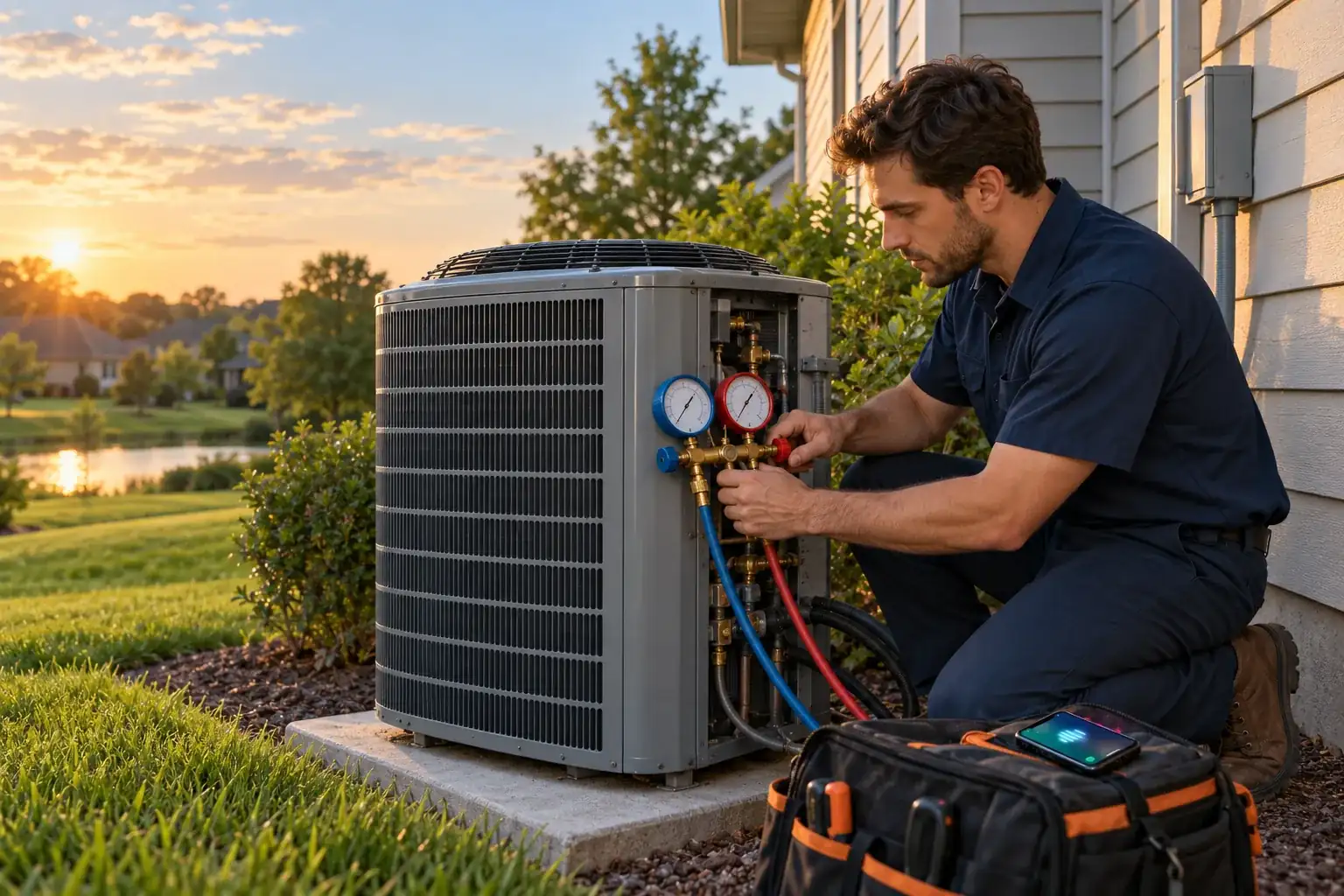
An HVAC technician kneels at an outdoor AC condenser beside a house in late-afternoon light, gauges connected

The calls that slip past a busy HVAC shop

Calls can go unanswered while you're finishing a repair, covering lunch or off duty. A missed service inquiry can mean a lost booking and more callback work later.

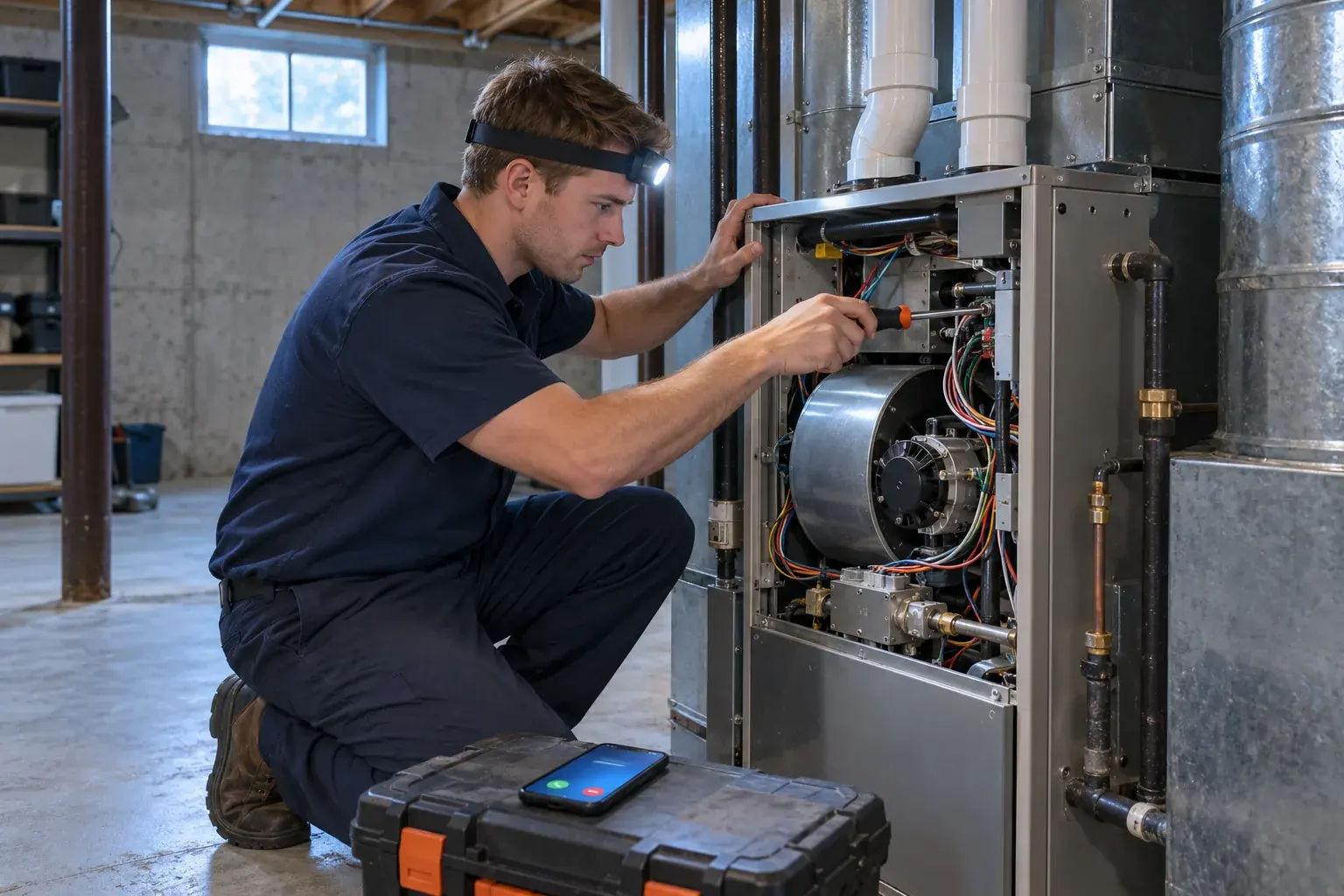
A technician in an unfinished basement working on a gas furnace with a headlamp, both hands busy
  • On the job

    Collect the next caller's details while your hands are busy.

  • After closing

    Give overnight no-heat callers a way to explain what's happening.

  • Busy season

    Forward overflow calls when your shop line is busy.

More detail

A ringing phone competes with the work already in front of you. During a heat wave, that might mean choosing between finishing a repair and answering another cooling complaint. At lunch, a tune-up request can sit in voicemail until someone gets back.

An answering service for HVAC company owners should give those callers a clear next step. Your receptionist can collect the problem and callback details, book an appointment or route an urgent call under your rules. Compare that with your own missed-call log: which callers wanted routine maintenance, and which needed your on-call person? That distinction tells you where phone coverage would help your shop most.

Job details, urgency and a message you can use

Your receptionist asks about the service need, gathers intake details and checks your urgency rules. You receive a call summary, urgency tag, transcript and recording by email and app push notification.

  • Useful intake

    Capture the caller's problem and the details needed for your callback.

  • Urgent routing

    Send qualifying calls to your on-call person in your chosen order.

  • Clear messages

    Read the summary or check the transcript and recording yourself.

More detail

Your HVAC call answering service starts with your service area, services, hours and price policy. A caller asking for an AC tune-up needs a different next step from someone reporting no heat overnight. You tell the AI what counts as urgent and who should receive those calls.

For urgent calls, your on-call person can hear a short summary before pressing 1 to accept a warm transfer. Paging is another option. If a caller reports a gas smell or CO alarm, the safety script tells them to get everyone out and call 911 or the utility from outside, then alerts you. The receptionist provides no repair steps.

Try a no-heat call, a booking or a price question

The browser demo below lets you test a fictional HVAC shop without signing up. Listen for the opening disclosure, the questions asked and the next step offered to the caller.

Example business (made up): Summit Air Heating & Cooling

Choose a call and press Start talking.

ExampleUrgent1:52 a.m.

Call received for Summit Air Heating & Cooling

No heat at 2 a.m. with an elderly parent at home.

Warm transfer to the on-call person. They hear a short summary first and press 1 to accept.

Call transcript, shortened (example)

  1. Assistant Hi, you have reached Summit Air Heating & Cooling. I am a virtual assistant and this call is recorded. How can I help?
  2. Caller Describes the situation: no heat at 2 a.m. with an elderly parent at home.
  3. Assistant Is anyone in danger right now? I am getting the on-call person on the line.

Open the dashboard for the full transcript and recording.
This is an example of what the owner gets after a call like this.

  • No heat

    Explain the overnight problem and listen for questions about urgency.

  • Tune-up request

    Ask for maintenance and follow the appointment booking conversation.

  • Price shopper

    Ask about replacement costs and hear the demo shop's price policy.

More detail

Try the same receptionist from a few callers' perspectives. For the no-heat scenario, say it's 2 a.m. and an elderly parent is at home. For a tune-up, ask about an appointment. For a replacement question, ask what a new AC costs and listen for an answer based on the fictional shop's policy.

You can also test Spanish, a rescheduling request, heat-wave overflow or a vendor robocall. The gas-smell scenario shows the safety response rather than troubleshooting. After a test, look at the result the owner would receive. Use the full scenario demo to compare the conversation with its summary and urgency tag.

Forward your number and choose which calls we answer

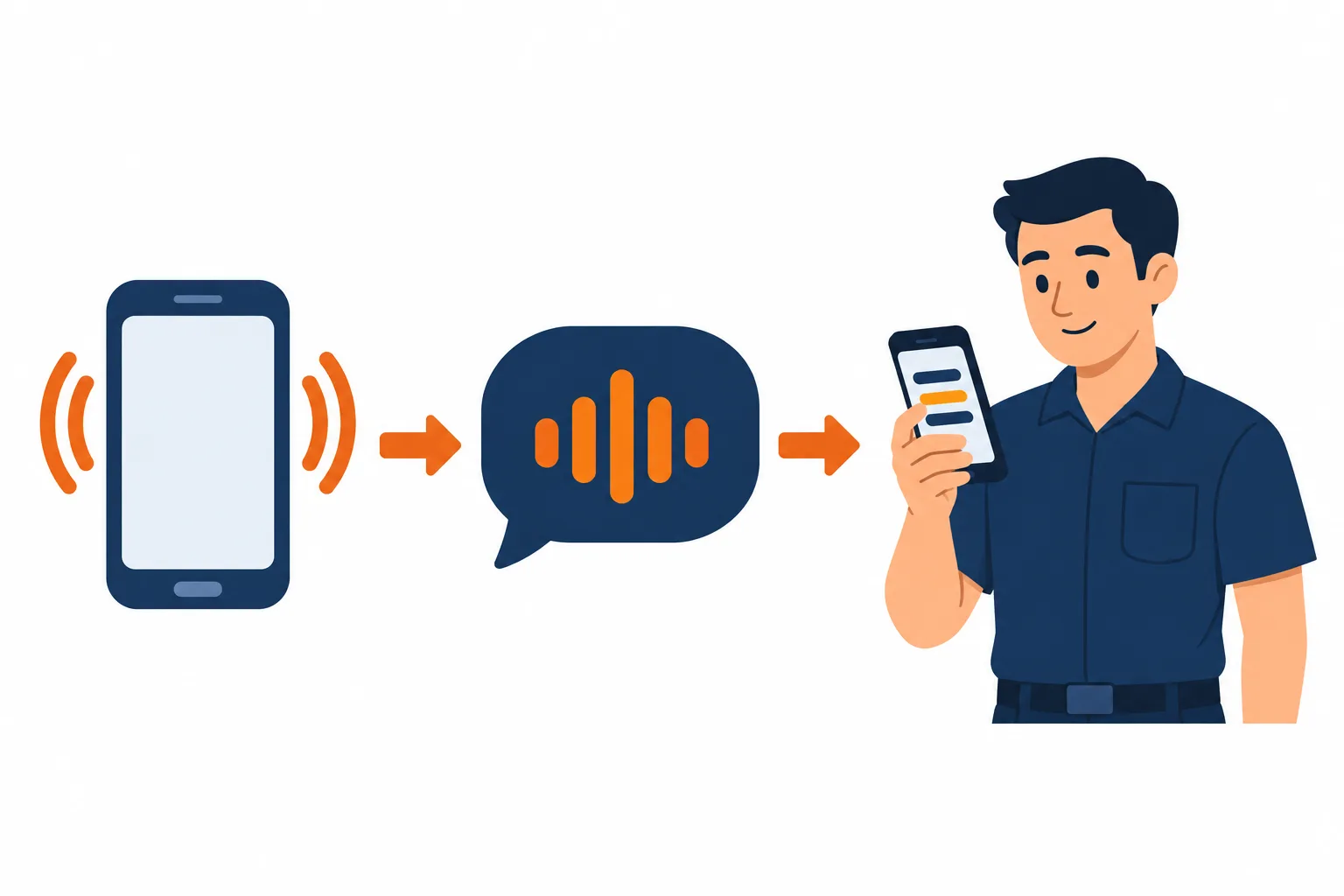
You keep your business number and choose when calls forward to your receptionist. It answers as your business, follows your instructions and sends the call details for your next step.

Illustration: a ringing phone, a friendly abstract AI sound-wave bubble
  • 1

    Choose coverage

    Forward all calls or only busy, unanswered or after-hours calls.

  • 2

    Set the rules

    Tell the AI your services, hours and urgent-call contacts.

  • 3

    Get the result

    Receive messages, review bookings and check call records in your dashboard.

More detail

We provide a local number in your area code and a forwarding guide for your carrier or phone system. Choose the forwarding pattern that fits your shop. You might keep answering during office hours and send unanswered calls to the receptionist, or use it after closing.

The AI answers as your business and opens with a virtual-assistant and recording notice. It can book into Google Calendar or collect details for your callback. Email and app push notifications carry the call summary, urgency tag, transcript and recording; a daily digest arrives by email too. Your dashboard holds calls, usage and settings, which you can change by telling the AI in plain words.

Dashboard example using made-up calls

Choose between AI, a live service and voicemail

AI suits calls with defined intake and routing rules. A live receptionist brings human judgment to unusual conversations. Voicemail gives callers a place to leave a message for later review.

  • AI receptionist

    Ask intake questions and route calls using the instructions you provide.

  • Live service

    Consider a person when conversations need judgment beyond a set script.

  • Voicemail

    Use recorded messages when a later callback fits the caller's need.

More detail

Choose around the calls you need handled. If most requests involve service details, scheduling and a known urgency rule, test those tasks with AI. If callers often need a person to untangle an unusual situation, include a live service or staff member in your evaluation.

Voicemail can be enough when callers are willing to wait and someone checks messages. It leaves the follow-up conversation to you. Our AI can make mistakes, so review its summaries and keep a backup way to be reached. When you evaluate an HVAC phone answering service, use the same sample calls for each option and compare the next steps they produce.

Compare cost per call with the work it covers

Compare the monthly total and the work each option leaves with your team. Our plan is $249 per month with 500 AI minutes included and $0.20 per extra minute.

  • Use your records

    Compare call volume and conversation length from your own shop.

  • Count callback work

    Include the time spent collecting details after a message arrives.

  • Check the plan

    Review included AI minutes and the extra-minute rate before forwarding calls.

More detail

For a useful cost-per-call comparison, divide an option's monthly total by the calls it handled during that month. Then check what happened on those calls. A message, an appointment and an urgent handoff leave different amounts of work for your team.

For a live service, use its actual quote and billing terms. For an employee, use your own staffing costs and the hours you need covered. For our plan, compare your expected AI call time with the included minutes and extra-minute rate. Call length matters alongside call count, so see the plan and trial terms before deciding which calls to forward during your trial.

Use call summaries alongside your shop software

We send call details you can enter into your existing software. Direct field-service and CRM connections are not live yet; appointment booking into Google Calendar is available.

  • Call records

    Read summaries and transcripts before entering details into your job system.

  • Calendar booking

    Let your receptionist book appointments into Google Calendar if you choose.

  • Your software

    Tell us which system you use to guide planned direct connections.

More detail

If your office runs on ServiceTitan, Housecall Pro or Jobber, plan for someone to enter the relevant call details there. The email summary and dashboard record give that person the information collected during the conversation. The same approach applies to FieldEdge, Service Fusion and Workiz.

Choose whether the receptionist should book into Google Calendar or take information for a callback. Decide who will review each message and enter it into your job system before you turn on forwarding. Direct software connections are planned according to demand. Check our current software connection status when you assess how this fits your office routine.

Teach it your rules and make a test call

Setup starts with an onboarding chat and your website, followed by a test call before you go live. Check your receptionist's answers and routing against the way your shop works.

  • 1

    Business basics

    Explain your services, service area, hours and policy for price questions.

  • 2

    On-call order

    Name who gets urgent calls and choose transfer or paging.

  • 3

    Test first

    Call with a realistic problem and check the resulting message.

More detail

The onboarding chat asks 10 to 15 questions about your business. Include what you do not service, where you travel and how you want price questions handled. Spell out what makes a no-heat or cooling call urgent for your shop and who should receive it.

Before a real caller reaches the AI, test a routine request and an urgent scenario. Check the greeting, the details collected and the message you receive. If an answer needs correcting, update the instructions through the AI settings chat and test that point again. Add your card before forwarding goes live, then use the trial to review calls from your own business.

Questions to ask before choosing an answering service

Ask any provider to demonstrate your call types, explain its billing and show the message you receive. Include us: your own test call is the proof we offer.

  • Test the handoff

    Ask what the on-call tech hears before accepting an urgent call.

  • Inspect the record

    Check whether the message includes the details your dispatcher needs.

  • Check the exit

    Find out how cancellation and backup call routing work.

More detail

Start with a caller outside your service area, a tune-up request and an overnight no-heat complaint. Ask each provider how its receptionist learns your policies and how you correct an answer. Have it explain what happens when it cannot answer a question.

Then look past the conversation: can you review a transcript or recording? How do urgent calls reach the right person, and what appears in the bill when usage rises? Ask how callers are told about AI and recording, and where calls go if the plan ends. We let you test our receptionist in your browser; request a free trial to assess it for your business.

Frequently asked questions

Can I keep my HVAC business phone number?

Yes. Keep the number customers already use and forward calls to the local number we provide. You choose all calls or only calls that are busy, unanswered or after hours. We supply a forwarding guide for your carrier or phone system and a test call before going live.

Will callers know they're speaking with AI?

Yes. Your receptionist says it is a virtual assistant and that the call is recorded at the beginning of each call. That notice cannot be switched off. The browser demo lets you hear the greeting and decide how the conversation fits your business.

Can it dispatch my on-call tech?

It can warm transfer urgent calls to your on-call person or page them in the order you set. For a warm transfer, that person hears a short summary and presses 1 to accept. You define the urgency rules during setup and can change them through the AI settings chat.

Will it quote a repair or replacement price?

It follows your shop's price policy. Tell it whether to explain a diagnostic fee, use ranges you provide or take details for a callback without giving a quote. The AI does not make up a price. Try the price-shopper demo to hear the fictional shop's approach.

Does it know a no-heat call from a tune-up?

It asks intake questions and uses the urgency rules you teach it. A routine tune-up can lead to a booking, while a no-heat report can trigger your on-call process. Describe your own thresholds during onboarding, then test both situations before forwarding real business calls.

How do I get messages while I'm on a job?

You receive email and app push notifications for calls, including a summary, urgency tag, transcript and recording. There is also a daily digest email. Open your dashboard to review the call record when you can, and use urgent routing for calls that need your on-call person sooner.

Can it speak Spanish and handle robocalls?

Your receptionist speaks English and Spanish, and callers can switch languages during a conversation. It also politely ends spam and robocalls. The demo includes a Spanish-speaking caller and a vendor robocall, so you can test those situations before setting up your own business.

Can I try it before paying for a month?

Start with the browser demo, which needs no signup. Request a free trial for 14 days capped at 100 minutes to try your business setup. A card is required before call forwarding goes live. You will be able to cancel online, and we will email a reminder before trial conversion.

Hear your AI receptionist take an urgent call

Call about a broken furnace or ask for a tune-up in the browser demo. Then request a free trial; we'll email your sign-in link when ready so you can teach your AI receptionist your shop's rules.

Talk to the HVAC demo Request your free trial

Start talking nowRequest your free trial